


Quick Summary
Desk frame compatibility depends on three things: the frame's width range, its load limit, and how the desktop is attached. Measure the desktop, add up the total load including monitors and accessories, then confirm the fixings suit the desktop material. Most problems arise from checking only one of these.
- Confirm the desktop width falls within the frame's adjustable range, with at least 50mm of support at each end.
- Add up the total load, including monitors, arms, trays and lamps, and compare it with the rated capacity.
- The Atlas Electric Desk Frame is rated to lift up to 120kg.
- Keep MDF fixings at least 50mm from any edge and drive screws until snug rather than forcing them.
- Check the tabletop thickness against the frame's supports, since fixings are designed around a specific range.
Table of Contents
- How Desk Frame Compatibility Works
- Standing Desk Frame Dimensions and Desktop Fit
- Standing Desk Frame Weight Capacity and Total Load
- Solid Wood, Laminate and MDF: Material Trade-Offs
- Standing Desk Frame Mounting Holes and Fastening by Material
- Working Through a Compatibility Check
- Choosing Your Frame and Desktop Next
- Frequently Asked Questions
How Desk Frame Compatibility Works
A standing desk frame and a desktop are compatible when the frame can carry the desktop's size, weight and fixing points without strain. Compatibility depends on three things: the frame's width range, its load limit, and how the desktop is attached. Most problems come from checking only one of these.
Standing Desk Frame Dimensions and Desktop Fit
Start by measuring the desktop and comparing it with the frame's adjustable width range, because desk frame compatibility depends on that match first. The Hades Electric Frame, for example, can be fitted with desktops from 1200mm to 1800mm wide thanks to its telescopic central beam.
Measure depth as well. A deep desktop placed on a narrow frame can tip forward when you lean on the front edge. Leave a small margin at each end so the crossbar sits under solid wood, not the edge.
Standing Desk Frame Weight Capacity and Total Load
The frame's rated capacity is the combined weight of the desktop, monitors, laptop, lamps and any accessories. The Atlas Electric Desk Frame is capable of lifting up to 120kg, and the Atlas Corner Standing Desk Frame up to 160kg.
Add up everything on the desk before choosing a frame. A solid oak top weighs more than a laminate one of the same size, so the heavier material can push a borderline setup closer to its limit. Cable trays and monitor arms also add weight at the edges, where frames are most stressed.
Solid Wood, Laminate and MDF: Material Trade-Offs
Each desktop material behaves differently on a height-adjustable frame.
- Solid wood: The Premium Character Oak Desktop is a solid 25mm top with inset metal battens underneath for structural strength. It has a distinctive natural finish, and natural wood can show slight distortion, warping, bowing or splitting of up to 2mm, which is not treated as a fault.
- Laminate: Usually lighter and more stable in changing conditions, with a consistent surface. It suits shared offices where the desk will be moved or reconfigured.
- MDF: Dimensionally stable and affordable, but it is sensitive to moisture at the edges and needs proper edge sealing.
Choosing a Standing Desk Frame Tabletop Thickness
Thickness affects both stiffness and weight. Check that the frame's supports and any metal batons or inserts match the thickness you buy, because fixings are designed around a specific range.
Standing Desk Frame Mounting Holes and Fastening by Material
Fastening is where most compatibility problems actually surface. A frame may fit the desktop's width and carry its weight, but if the fixings are wrong for the material, the top will work loose, split or strip. The right approach varies by material.
MDF has a uniform core but low pull-out strength at the edges. Use coarse-thread screws designed for MDF, drill a pilot hole about 80% of the screw's minor diameter, and keep fixings at least 50mm from any edge. Over-tightening compresses the core and strips the thread, so drive screws until snug rather than forcing them. For frames that are assembled and disassembled repeatedly, threaded inserts or machine screws with a backing plate are more durable than wood screws.
Particleboard behaves like MDF but is more brittle at the edges and more sensitive to moisture. The same pilot-hole and edge-distance rules apply, and confirmat-style screws or inserts give better holding power than standard wood screws. Any exposed edge should be sealed or banded before assembly, because a chip or damp patch will weaken the fixing over time.
Bamboo is dense and dimensionally stable, but it can split along its grain lines if a screw is driven without a pilot hole. Treat it like a hardwood: drill a pilot hole, use fine-thread screws or inserts, and avoid placing fixings in line with a visible node or glue line.
Laminate is a thin surface bonded to a core, usually MDF or particleboard. The laminate itself provides no holding power, so the screw must bite into the core beneath. Drill through the laminate with a sharp bit to avoid chipping, use the same pilot-hole sizing as for the core material, and consider a small countersink so the screw head does not crack the surface. Over-tightening is the most common cause of laminate lifting around a fixing.
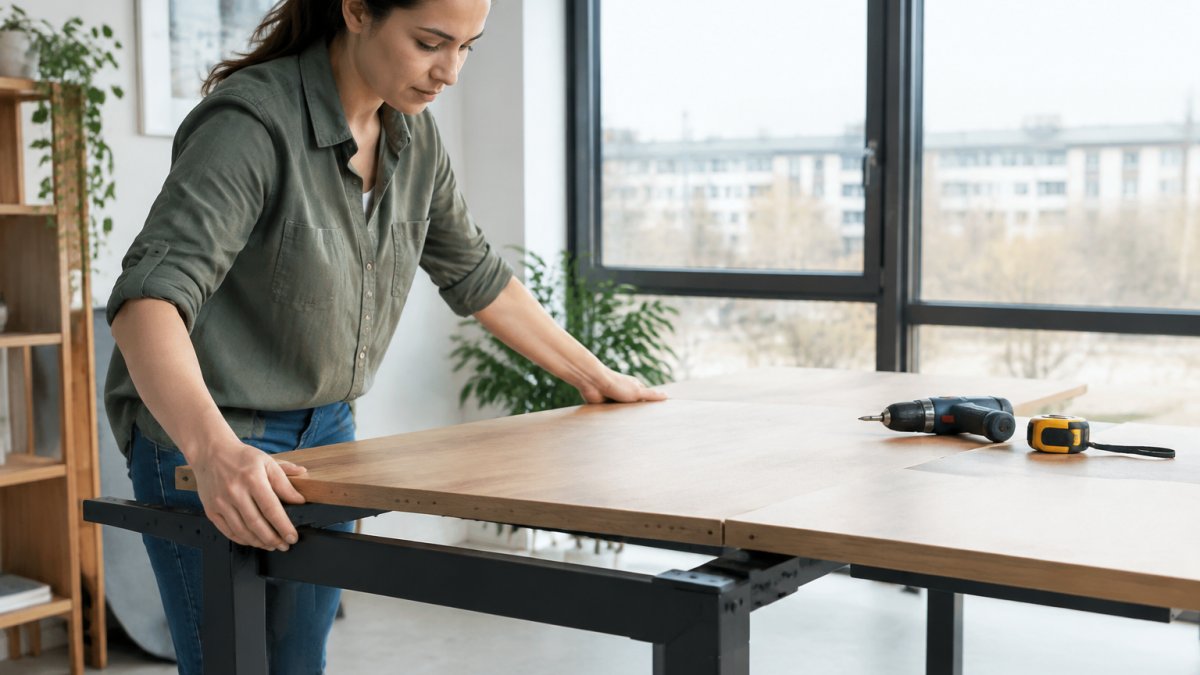
The right fixing depends on the desktop material, and each one needs a different approach.
| Material | Fixing approach | Key rule |
|---|---|---|
| MDF | Coarse-thread screws for MDF | Keep fixings at least 50mm from any edge |
| MDF | Pilot hole about 80% of minor diameter | Drive until snug, do not force |
| Particleboard | Confirmat-style screws or inserts | Seal or band exposed edges first |
| Bamboo | Fine-thread screws or inserts | Drill a pilot hole to avoid splitting |
| Laminate | Sharp bit through the surface into the core | Avoid over-tightening, which lifts laminate |
Working Through a Compatibility Check
A compatibility check is easier to trust when you run it with real numbers. Take a desktop measuring 1600mm wide, 800mm deep and 25mm thick, made from solid oak. Add up the weight of the top, monitors, laptop, lamp, monitor arm and cable tray, and compare the total with the frame's rated capacity, which is 120kg for the Atlas Electric Desk Frame.
Now check width. The frame's adjustable range must cover the desktop without leaving the top unsupported at the ends. A frame that extends from 1200mm to 1800mm will accept the 1600mm top within its adjustable range.
Check that the frame's supports and any metal batons or inserts match the thickness you buy, because fixings are designed around a specific range.
Use this order when checking a frame against a desktop you already own:
- Measure the desktop width and depth in millimetres.
- Confirm the width falls within the frame's adjustable range, allowing at least 50mm of support beyond each end.
- Add up the total load, including monitors, arms, trays and accessories.
- Check the material and thickness against the frame's fixing method.
- Confirm the mounting holes or inserts match the frame's bracket spacing.
If a step fails, check that the frame's width range and rated capacity suit the desktop, and that the fixings match the top's material and thickness.
Ergo Desks can advise on which combination suits your setup, and its desk frame dimensions guide walks through the measuring steps in more detail.
Choosing Your Frame and Desktop Next
Once the dimensions, load and material are settled, shortlist frames that cover your width and weight range. Our guide to the best electric desk frames for existing desktops compares options for people keeping their current top. If you are weighing a dual motor frame against a single motor model, the dual motor versus single motor comparison explains how motor choice affects capacity.
For a solid wood option, the Premium Character Oak Solid Desktop shows what a natural-finish top involves.

Ergo Desks offers a 7-year warranty on its electric frames, free UK delivery and returns, and bulk pricing and assembly support for business orders. Talk to our friendly team about which frame and desktop combination will work for your space. Shop Desks today.
Frequently Asked Questions
Can you use any desktop with a standing desk frame?
Not every desktop suits every frame. The main checks are the frame's adjustable width range, the desktop's depth and weight, and whether the frame's mounting points line up with the holes or inserts in the desktop. A desktop that is too heavy for the frame's rated load, or that lacks the right fixings, can sag, wobble or fail to attach securely. Measure the frame's width range and check the rated weight capacity against the total load before you buy or reuse a desktop.
Which desktop materials work best with a standing desk frame?
The best choice depends on the frame's load rating, your budget and how you want the desk to look and age. Our [Premium Character Oak Desktops](https://ergodesks.co.uk/products/premium-character-oak-desktops) are one solid wood option.
How thick should a desktop be for a standing desk frame?
Thickness affects both weight and rigidity. Thicker tops resist bowing better, but they add load, so the total must stay within the frame's rated capacity. Many standing desk users work with desktops of around 25mm thickness, which balances stiffness and weight. Check the frame's specification for any stated thickness range, and confirm that the fixings you plan to use will hold the top securely at that thickness.
Can a standing desk frame support a solid wood desktop?
Yes, provided the total weight, including the desktop, monitors and accessories, is within the frame's rated capacity. Solid wood is heavier than laminate, and it can warp, cup or split with changes in humidity, so fix it using the manufacturer's recommended method and allow for seasonal movement. Check how the frame attaches before ordering.

