


Last Updated: 19 November 2026
Quick Summary
The best desk alternatives to Desktronic for a home office are dual-motor standing desks with at least 100kg capacity and a seven-year warranty, such as the Atlas, Kompakt and Atlas Mini. Match the frame to your load and room size, and check the full height range before buying.
- The Atlas Standing Desk lifts up to 120kg on dual motors and costs £595.
- The Kompakt pairs dual motors with 100kg capacity for £365.
- The Atlas Mini uses a space-saving compact frame and still carries 120kg.
- Most home offices work well with a 120 × 80 cm desktop.
- Every desk in the Ergo Desks range carries a seven-year warranty.
Table of Contents
- Why Consider Alternatives for Your Home Office Desk
- The Best Standing Desks for Home Office Use
- Desktronic vs FlexiSpot: How Other Brands Compare
- Your Standing Desk Size Guide for Compact Spaces
- Key Features to Compare: Stability, Motors and More
- Making the Right Choice for Your Workspace
- Explore Ergo Desks for Your Home Office
Why Consider Alternatives for Your Home Office Desk
If you are searching for desk alternatives to Desktronic for home office use, the short answer is that the right desk depends on how much weight it must carry, how much space you have, and whether you need dual motors for stability. Desktronic has earned a following, but it is far from the only option worth considering. This guide from Ergo Desks compares the specifications that matter most: lifting capacity, height range, motor type and warranty.
Buyers switch for practical reasons. Some want a heavier lift capacity. Others need a compact frame that fits a box room. A few simply want a longer warranty. Whatever your reason, the desks below are worth a close look.
The Best Standing Desks for Home Office Use
The best standing desks for home office use combine a stable frame, a sensible height range and a warranty that outlasts the novelty. For most buyers, a dual-motor frame with at least 100kg capacity is the safer long-term choice.
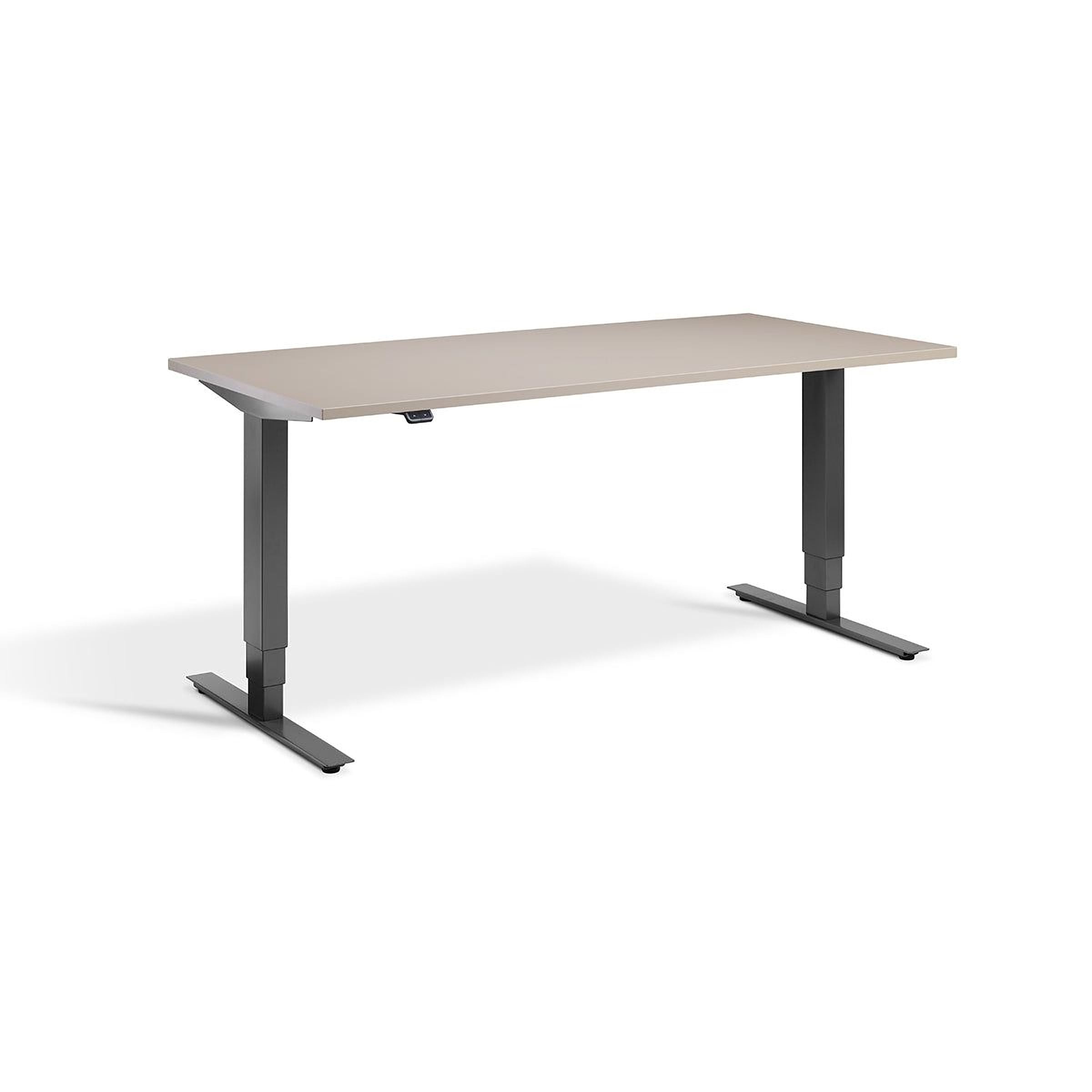
Atlas Standing Desk: The Heavy-Duty Flagship
The Atlas Standing Desk is the strongest option in the Ergo Desks range. A dual-motor system lifts up to 120kg.
It costs £595 and comes with free next-day delivery and a seven-year warranty. See the full Atlas specification and buy online.
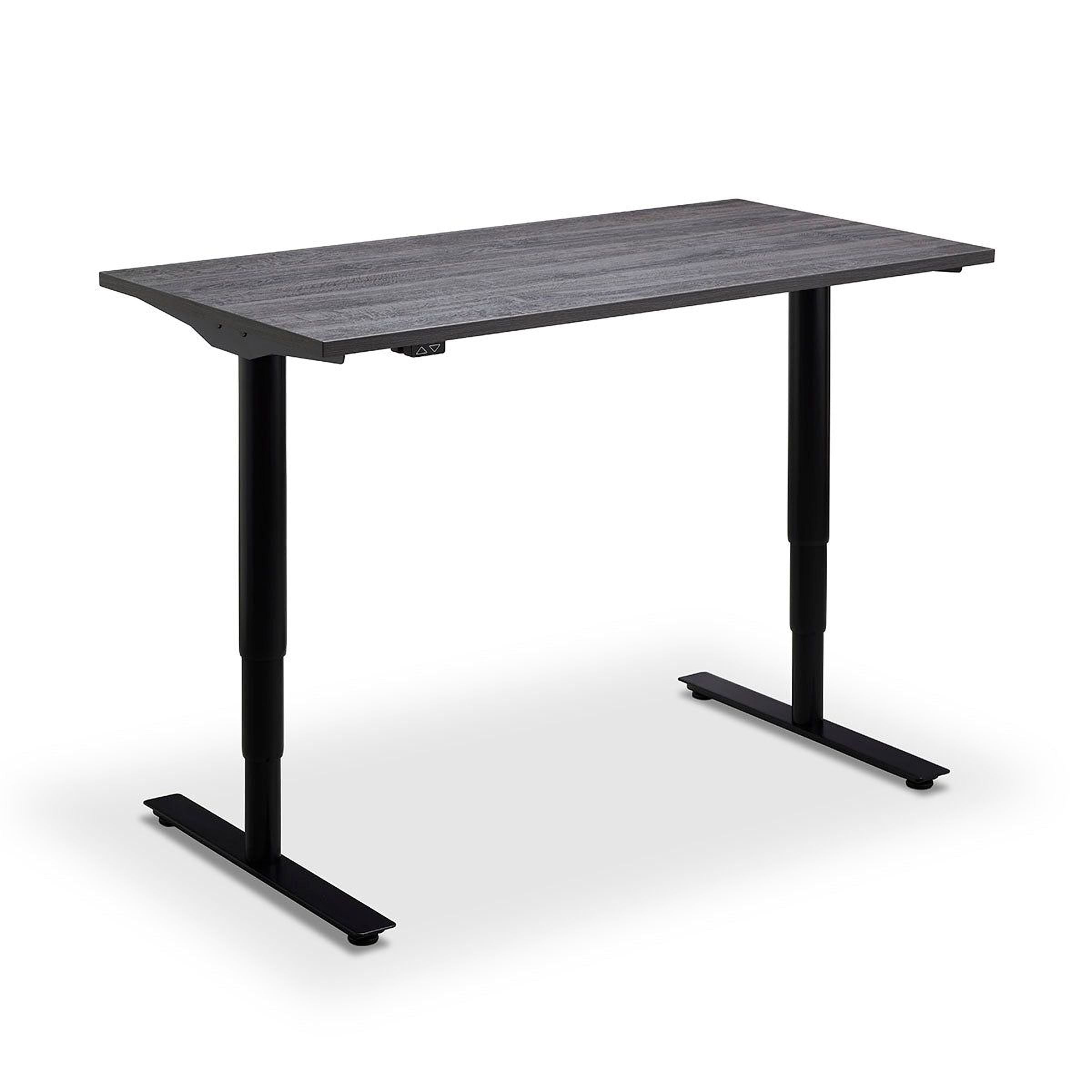
Kompakt Standing Desk: The Budget-Friendly Workhorse
The Kompakt is a value option. At £365, it pairs a dual-motor system with a 100kg capacity. Its height range of 720mm to 1185mm suits a wide spread of users, and it is designed in Sweden.
It is easy to build, includes portholes for cable routing, and ships next day if ordered before 2pm. The seven-year warranty matches the flagship. Check the Kompakt details and order.
Desktronic vs FlexiSpot: How Other Brands Compare
Comparing standing desk brands usually comes down to frame stiffness, motor configuration and price. Rather than crown a single winner, it helps to compare like for like: match a dual-motor frame with a comparable desktop, then weigh lifting capacity, height range, controls and warranty side by side.
A fair comparison starts with four questions. First, does the frame use one motor or two? Second, what is the lifting capacity, and is it quoted for the frame alone or including the desktop? Third, what is the full height range, including the lowest setting, since a low minimum matters for shorter users and for seated work? Fourth, how long is the warranty, and does it cover the motors and electronics as well as the frame?
Here is how the main options stack up on the specifications that matter most:
| Desk | Motors | Capacity | Price | Warranty |
|---|---|---|---|---|
| Atlas Standing Desk | Dual | 120kg | £595 | 7 years |
| Modal Standing Desk | Dual | 120kg | £665 | 7 years |
| Atlas Mini | Dual | 120kg | £580 | 7 years |
| Remo Standing Desk | Single | 80kg | £520 | 7 years |
| Kompakt Standing Desk | Dual | 100kg | £365 | 7 years |
Price
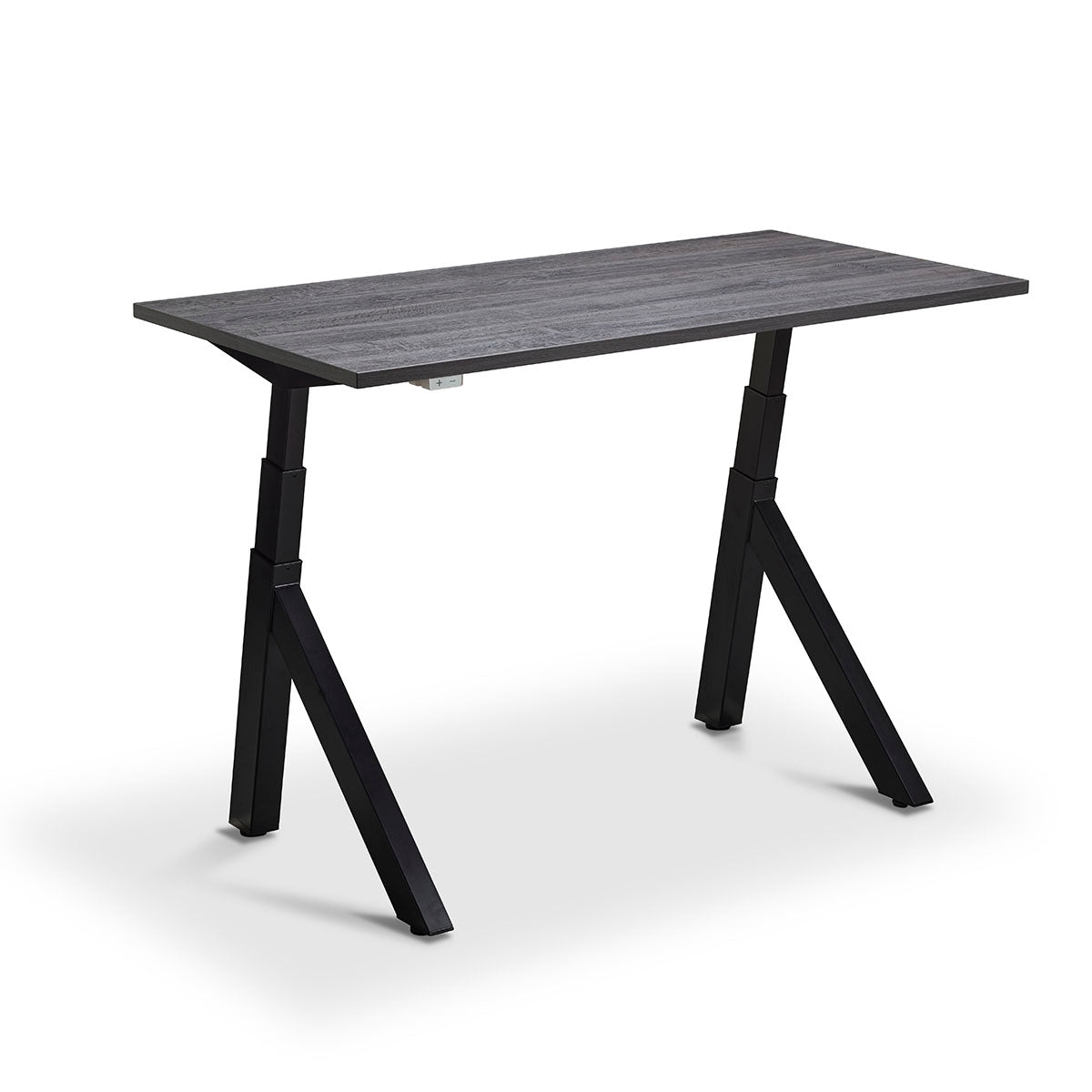
The pattern is clear. Dual motors appear across most of the range, and the seven-year warranty is standard. If you are weighing brands more broadly, compare the wider field of standing desk alternatives before committing.
Watch out: headline capacity figures are sometimes quoted for the frame without a desktop fitted, so check whether the number you are comparing includes the top you intend to buy.
Beyond the headline numbers, compare the controls and safety features. The Remo has built-in anti-collision technology, and Atlas products include Lavoro cable tray and memory button add-ons. These details rarely appear in a brand's top-line pitch, but they shape daily use more than a small difference in capacity.
A useful way to decide is to shortlist two or three models that meet your capacity and height needs, then compare total cost of ownership rather than sticker price alone. Delivery, assembly and accessories can widen the gap between a cheap desk and a durable one. The seven-year warranty across the Ergo Desks range is worth factoring into that sum, because a desk that lasts avoids the cost and disruption of a replacement.
Your Standing Desk Size Guide for Compact Spaces
A standing desk size guide starts with two measurements: the floor space you can spare and the height range you need. Most home offices work well with a 120 × 80 cm desktop, while a 160 × 80 cm top suits dual monitors and a second screen. Depth matters as much as width, because a deeper top pushes the screen further away and changes how you sit. Once the desk dimensions are settled, matching its footprint with refurbished screens and peripherals can make the whole setup feel more considered; <a href="�UKS17� useful guide can help you weigh those choices alongside the space available.
Small rooms need a narrower frame. The Atlas Mini Sit Stand Desk uses a space-saving compact frame and carries up to 120kg on dual motors. For a single laptop and a lamp, a 100 cm width is often enough; for two monitors, step up to 120 cm or more.
Height range is the other half of the fit. Check the lowest and highest settings against your own height and against anyone who shares the desk. A range that starts too high forces shorter users to perch, while a range that stops too low leaves taller users hunched at standing height. If the desk will be shared, memory presets make switching between saved positions quick.
Measure your doorway and your preferred chair clearance before ordering. A desk that fits the wall but blocks the door is a common mistake. Also check the clearance under the desk for a chair with arms, and leave room for the desk to rise without meeting a shelf or window sill.
Watch out: a desktop that looks generous on a product page can feel cramped once a monitor arm, keyboard and paperwork are on it, so mask out the footprint with tape on the floor before you buy.
Match the size to the user and the workspace rather than chasing one overall winner. A heavy multi-monitor setup needs a wider top and a frame rated for the load. A tight box room needs a compact frame with a sensible height range. Browse the standing desks designed for small spaces to see the compact options side by side. A shared desk needs presets and a range that suits everyone who uses it. Browse the standing desks designed for small spaces to see the compact options side by side.
Key Features to Compare: Stability, Motors and More
Stability at standing height is the feature buyers underestimate most. A desk that wobbles at 1100mm will soon be lowered and left there, which defeats the purpose of buying an adjustable desk at all.
Motor type drives that stability. Dual-motor frames raise both legs together and handle uneven loads better than single-motor designs. The dual motor versus single motor desk frame comparison explains the trade-offs in detail.
Other features worth checking:
- Lifting capacity: 100kg or more covers most home setups
- Height range: check the lowest and highest settings against your own height
- Memory presets: save your sitting and standing positions
- Anti-collision protection: stops the desk if it meets an obstacle
- Cable management: keeps the workspace tidy as the desk moves
Desktop thickness and finish matter too. Laminate and wood-effect tops are the practical choices for daily use.
Making the Right Choice for Your Workspace
Match the desk to the user, not the other way round. A heavy multi-monitor setup needs the Atlas or Modal. A tight box room needs the Atlas Mini. A first standing desk on a budget points to the Kompakt.
Think about total cost of ownership as well. A cheaper desk with a short warranty can cost more over five years than one that is built to last. The seven-year warranty across the Ergo Desks range is worth factoring into that sum.
For anyone still unsure, the team is happy to talk through which product suits your space and setup, just talk to our friendly team about what product is best for you.
Explore Ergo Desks for Your Home Office
Choosing between the best Desktronic alternatives for home office use comes down to capacity, size and support. Ergo Desks has been established since 2017, with 361 reviews and a one-stop shop for standing desks and ergonomic accessories.
Ergo Desks offers free UK delivery and returns, and tailored corporate solutions including bulk discounts and assembly. Every desk in the range carries a seven-year warranty.
Ready to upgrade your workspace? Ergo Desks offers dual-motor standing desks with 120kg capacity, free delivery and a seven-year warranty. Get started with Ergo Desks and build a home office that works as hard as you do.

